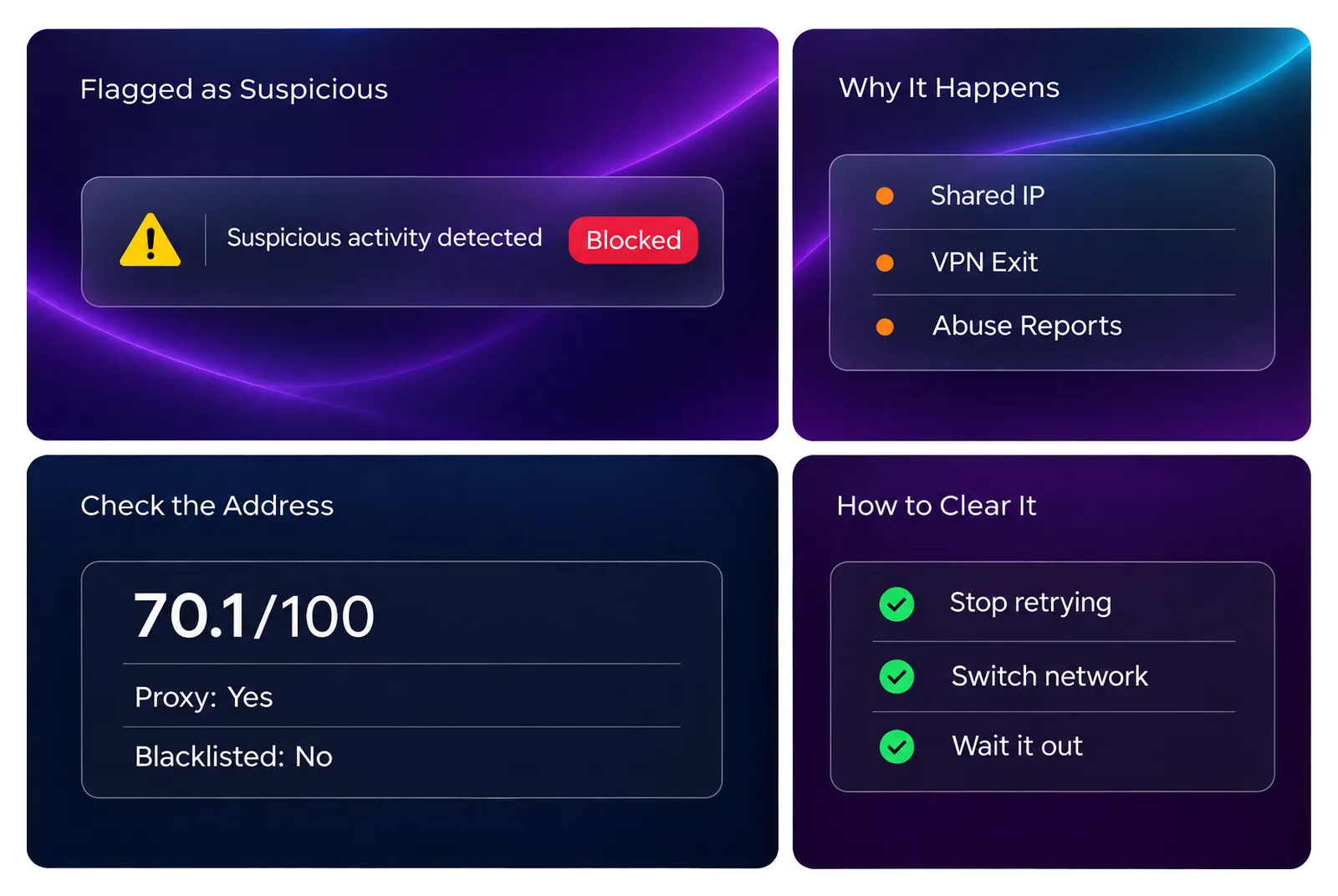
TL;DR: A "suspicious activity" flag is a decision one website makes about your connection in that moment — it is not a global verdict and not the same as a blacklist listing. Most flags come from the address, not from you: shared IPs, VPN and datacenter exits, inherited abuse history, or request patterns that look automated. Stop retrying, test from a different connection, and check the address itself before you change anything else.
The warning tends to appear at the worst possible moment: halfway through a checkout, at a sign-in you have completed a hundred times, or seconds after tickets go on sale. "Your IP address is flagged for possible suspicious internet activity." No explanation, no appeal button, and — strangest of all — you have done nothing unusual.
This guide explains what that flag actually is, why it so often lands on people who did nothing wrong, and the order of steps that clears it fastest.
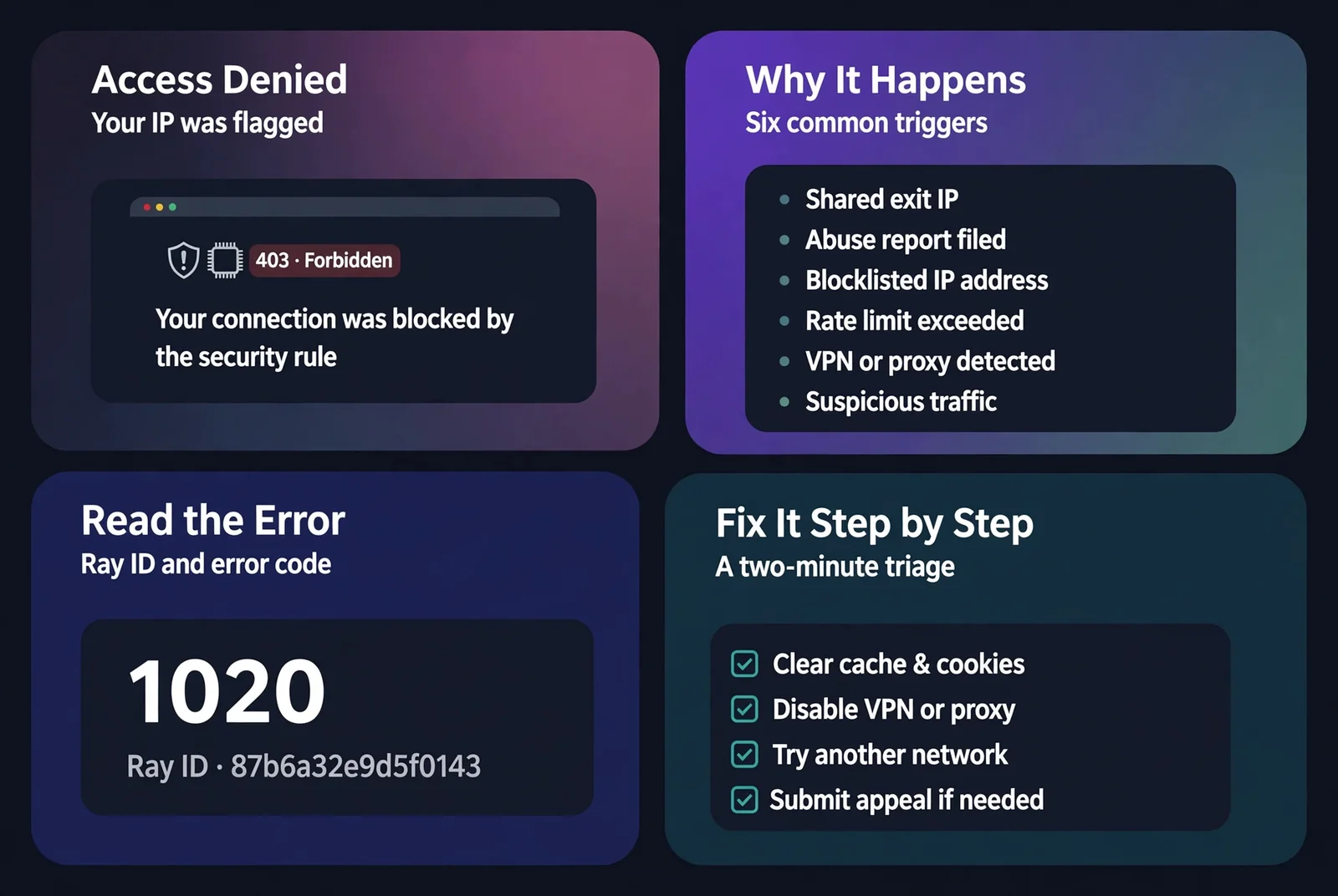
If what you hit was not an in-page warning but a full-page Access Denied error, that page has its own walkthrough: Access Denied: Your IP Address Is Flagged — how to read the error page and fix it, step by step.
What the flag actually means
There is no central registry of "flagged" IPs. Each website runs its own risk checks at the moment your request arrives, combining what it knows about your IP address with how your session behaves: request speed, how many accounts or checkouts come from the same address, whether the address is a known proxy or VPN exit, and whether its location is consistent with your account and payment details.
When the combined score crosses that site's threshold, you get a warning, a CAPTCHA, or a block. The exact sentence varies by platform:
| What you see | Who shows it | What it usually means |
|---|---|---|
| "Your IP address is flagged for possible suspicious internet activity" | Individual sites and hosting firewalls | A generic block page: the site's own rule matched your address |
| "This IP has been flagged as abusive — see AbuseIPDB for details" | Sites that screen visitors against AbuseIPDB | The address carries recent abuse reports in AbuseIPDB and the site blocks on that data; look up the listing and its confidence level before assuming the flag is about you |
| "Our systems have detected unusual traffic from your computer network" | Google Search | Google thinks requests from your network look automated; solve the CAPTCHA and it usually clears |
| Error 1020: Access denied | Sites behind Cloudflare | A firewall rule set by the site owner matched you — Cloudflare support cannot lift it, only the site owner can |
| Error 1015: You are being rate limited | Sites behind Cloudflare | Too many requests from your address in a short window; a temporary, per-address limit |
| "Action blocked" / "We suspect automated behavior" | Instagram and similar apps | An account-and-IP level restriction on one action, such as following or commenting |
Two things follow from this. First, a flag is per-site and per-moment: being flagged on one platform says nothing about the next, and the same connection can pass an hour later. Second, the flag attaches to the address and the session, not to you personally — which is exactly why it so often feels unfair.
Flagged is not the same as blacklisted
The two are related but different, and the fix differs:
| Flagged for suspicious activity | Blacklisted | |
|---|---|---|
| Who decides | One website's risk system, in real time | Independent blocklist operators (Spamhaus, AbuseIPDB and others) |
| Based on | Your address plus your session's behaviour | The address's recorded abuse history |
| Scope | That site, that moment | Any service that consults that list |
| Duration | Minutes to days; often clears when behaviour changes | Until delisted or the listing expires |
| Fix | Change the signals: connection, behaviour, timing | Identify the list, fix the cause, request delisting |
A blacklist listing is one of the signals that can get you flagged — but most flags involve no listing at all. If your problem turns out to be an actual listing, our guide to why an IP gets blacklisted and how to remove it covers that process step by step. The rest of this article is about the much more common case: no listing, just a risk system that does not like the look of your connection.
Six reasons your IP gets flagged
1. You share the address with strangers
Carrier-grade NAT, mobile networks, public Wi-Fi, office networks and VPN pools all put many people behind one public IP. Google's own explanation of its "unusual traffic" page lists other users on your shared network — and other customers of your provider — as a cause. If someone else behind your address ran a scraper or a spam tool, the flag lands on everyone sharing it, including you.
2. Your exit looks like infrastructure, not a home
Platforms score the type of address, not just its history. Datacenter ranges and known VPN/proxy exits start with a handicap: IPQualityScore, for example, treats a fraud score of 75+ as suspicious and notes that addresses at that level are likely to be a proxy, VPN or Tor connection — "but not necessarily fraudulent". An anonymizer exit can sit just under the blocking line (IPQS recommends blocking at 90+) while doing nothing wrong at all.
3. The address has a past
Dynamic IPs move between customers, and reputation sticks to the address. A previous user's abuse reports, or trouble elsewhere in the same subnet, can follow your new address around: Scamalytics, for instance, builds part of its score from the surrounding subnet, ASN and hosting block, so an address can inherit its neighbours' behaviour before it is reported itself.
4. Your own requests look automated
Volume and speed are signals in their own right: rapid-fire page loads, repeated login attempts, many accounts from one address, or tooling that ignores rate limits. Ticket sites are blunt about it — their block pages literally list "moving through this website with super-human speed" as a reason. This is also why hammering the retry button backfires: each attempt is more evidence for the pattern that flagged you.
5. A device on your network is doing it without you
Malware turns ordinary devices into other people's infrastructure — scanning, spamming, or quietly relaying proxy traffic. It is more common than it sounds: 1.3 million TV boxes were recently found secretly working as residential proxy exits, and apps that pay users for "unused bandwidth" can put your address to work in ways you never see — see how proxyjacking works. If flags follow your home connection across devices and days, suspect this one.
6. Your location does not add up
At checkout especially, fraud systems compare the IP's country with the card's issuing country and the account's usual location. A mismatch is rarely enough on its own, but combined with a VPN exit or a fresh account it pushes the score over the line. The same thing happens to travellers signing in from a new country.
What to do when you see the warning
Work through these in order — most flags clear within the first three.
- Stop retrying. Close the tab for a few minutes. Repeated attempts extend rate limits (Cloudflare's 1015 is a per-address limit, and reloading does not reset it) and deepen behaviour-based flags.
- Solve the CAPTCHA once, calmly. On Google's page, completing the check and stopping the automated-looking requests is the intended exit — Google says the block expires after those requests stop.
- Change one variable: the connection. Turn off the VPN or proxy, or switch to mobile data, and try again. If the warning disappears, the problem is the original address or exit — not your account, not your device.
- Check the address itself. Run the flagged IP through a full risk check: network type, proxy/VPN detection, blacklist status and abuse history together tell you which of the six causes above you are dealing with. IP Ready's free check reads all of these into one explainable Safety Score.
- If it is listed, fix the cause before delisting. A Spamhaus or AbuseIPDB listing needs the underlying problem stopped first — delisting is free, and operators re-list addresses whose abuse continues. The blacklist removal walkthrough has the steps.
- If one site keeps blocking you, contact that site. For Cloudflare Error 1020 and similar owner-set rules, only the site operator can lift the block — include the Ray ID shown on the block page. Cloudflare's own support cannot override a customer's rules.
- Then wait. Velocity and rate flags decay on their own once the traffic pattern stops. If a flag survives a connection change and a day's wait, it is account-level, and the platform's support or appeal flow is the right channel.
What does not work
- Hopping between VPN servers. Each new exit is another shared, anonymizer-flagged address; on account platforms, rapid IP changes are themselves a suspicious pattern.
- Clearing cookies or reinstalling the browser. Rule-based blocks match your address and requests, not your browser state. (Restarting the router only helps if your ISP then hands you a different dynamic IP.)
- Paying a "blacklist removal" service. Delisting from the major lists is free, and no third party can influence the operators' decisions.
- Arguing with the CDN. Cloudflare and similar providers state plainly that they cannot override site owners' firewall rules.
Check your IP before a platform flags it
Every signal in this article — shared exit, anonymizer detection, abuse history, subnet reputation — is visible before it costs you a checkout or an account, if you look at the address the way platforms do.
IP Ready checks your connection across 12 signals and explains the result as a Safety Score from 0 to 100 (higher is safer — here is how the score is calculated and how to read it against other checkers' scales). It also gives a per-platform readiness verdict, so you can see how your current exit is likely to read to services like ChatGPT, Claude, Amazon, eBay and Binance before you sign in. Managing several exits? The batch checker scores up to 20 IPs at once — retire the flagged ones before they retire your accounts.
FAQ
Why is my IP flagged for suspicious activity when I did nothing wrong?
Because the flag is about the address, not the person. Shared addresses (CGNAT, VPN pools, office networks) inherit other users' behaviour, reassigned addresses inherit a previous customer's history, and anonymizer exits are scored down by type. Any of these can flag a completely innocent connection.
How long does a suspicious activity flag last?
It depends on the trigger. Rate-limit flags typically clear in minutes to hours once requests stop; behaviour-based blocks on social platforms often last hours to a day or more; blocks from a site owner's firewall rule stay until the owner changes the rule or your address changes. There is no single timer — each site runs its own system.
Is a flagged IP the same as a blacklisted IP?
No. A flag is one site's real-time decision about your address plus your session's behaviour. A blacklist listing is a recorded entry in a reputation database that many services consult. A listing can cause flags, but most flags happen with no listing involved — and the fixes are different.
Can a flagged IP get my accounts banned?
It contributes. Platforms combine IP signals with account history and behaviour, so acting from a flagged address makes new accounts look risky from the first request and can trigger verification challenges, limits, or — combined with other signals — bans. Established accounts with clean history have more margin.
How do I check if my IP is flagged?
There is no universal flag registry to look up. Check the components instead: whether the address is on major blacklists, whether it reads as a proxy/VPN/datacenter exit, and what its abuse history and overall risk score look like. A combined check like IP Ready's shows all of these at once, which is as close to a "flag check" as exists.
Methodology note: This guide was prepared with AI assistance and reviewed against public guidance from platform operators, CDN documentation and IP intelligence providers. Block pages, thresholds and removal procedures change; always follow the current instructions shown by the service that flagged you.