Proxyjacking: Hackers Are Turning Home Routers Into Proxy Nodes for Cash
Your router might be working a second job — one you never applied for. On October 15, 2026, researchers at GreyNoise published findings on an active proxyjacking campaign: attackers are breaking into home and office network devices, silently installing a legitimate bandwidth-sharing app, and selling the victims' internet connections as residential proxies.
GreyNoise has confirmed at least 143 compromised devices across 34 countries. Treat that number as a floor, not a total — it counts only the devices researchers could directly verify.
TL;DR — read this first
- Proxyjacking steals bandwidth instead of computing power: attackers hijack your internet connection and rent it out as a residential proxy exit.
- In this campaign the software installed is Pawns.app — a legitimate app, installed on other people's devices without consent and linked to the attacker's payout account.
- When your IP becomes a proxy exit, other people's traffic appears to come from you: your IP's reputation burns, logins get flagged, and investigations point at your door.
- Protect yourself: patch edge devices, change default passwords, turn off remote administration and UPnP, and audit what's running on your network.
What is proxyjacking?
Proxyjacking is the theft of bandwidth instead of computing power. Cryptojackers hijack your device to mine cryptocurrency; proxyjackers hijack your internet connection and rent it out. Your device becomes an exit node in a residential proxy network, and other people's traffic — scraping, credential stuffing, fraud, worse — starts flowing through your home IP address.
The twist in this campaign: the software installed is Pawns.app, a legitimate "earn money from your internet" app. Installing it voluntarily is legal. Installing it on someone else's device, linked to the attacker's payout account, is a crime. As GreyNoise puts it:
"While 'earn on your internet' is voluntary, proxyjacking is a crime."
How the attack works
- Scan. The attacker (tracked as skynox7) sweeps the internet for exposed edge devices — NAS boxes, network video recorders, and enterprise servers with known vulnerabilities.
- Exploit. They break in through unpatched flaws, including CVE-2024-3272 / CVE-2024-3273 (D-Link ShareCenter NAS), CVE-2021-44228 (the Log4Shell flaw, in Ubiquiti UniFi Video NVRs), and CVE-2025-31324 (SAP NetWeaver Visual Composer). Hikvision and Dahua DVR/NVR devices were also targeted, though GreyNoise did not confirm successful compromises there.
- Install. The Pawns.app client is downloaded and run on the device, quietly enrolling the victim's connection in a commercial residential proxy pool.
- Persist. On some devices, the attacker also added SSH keys — a back door that lets them return even after the proxy app is removed or the original vulnerability is patched.
The device owner notices nothing. No pop-ups, no slowdown worth mentioning — just a connection quietly rented out to strangers.
Why this matters even if you never buy a proxy
When your IP becomes a proxy exit, the traffic of whoever rented it appears to come from you. That has consequences:
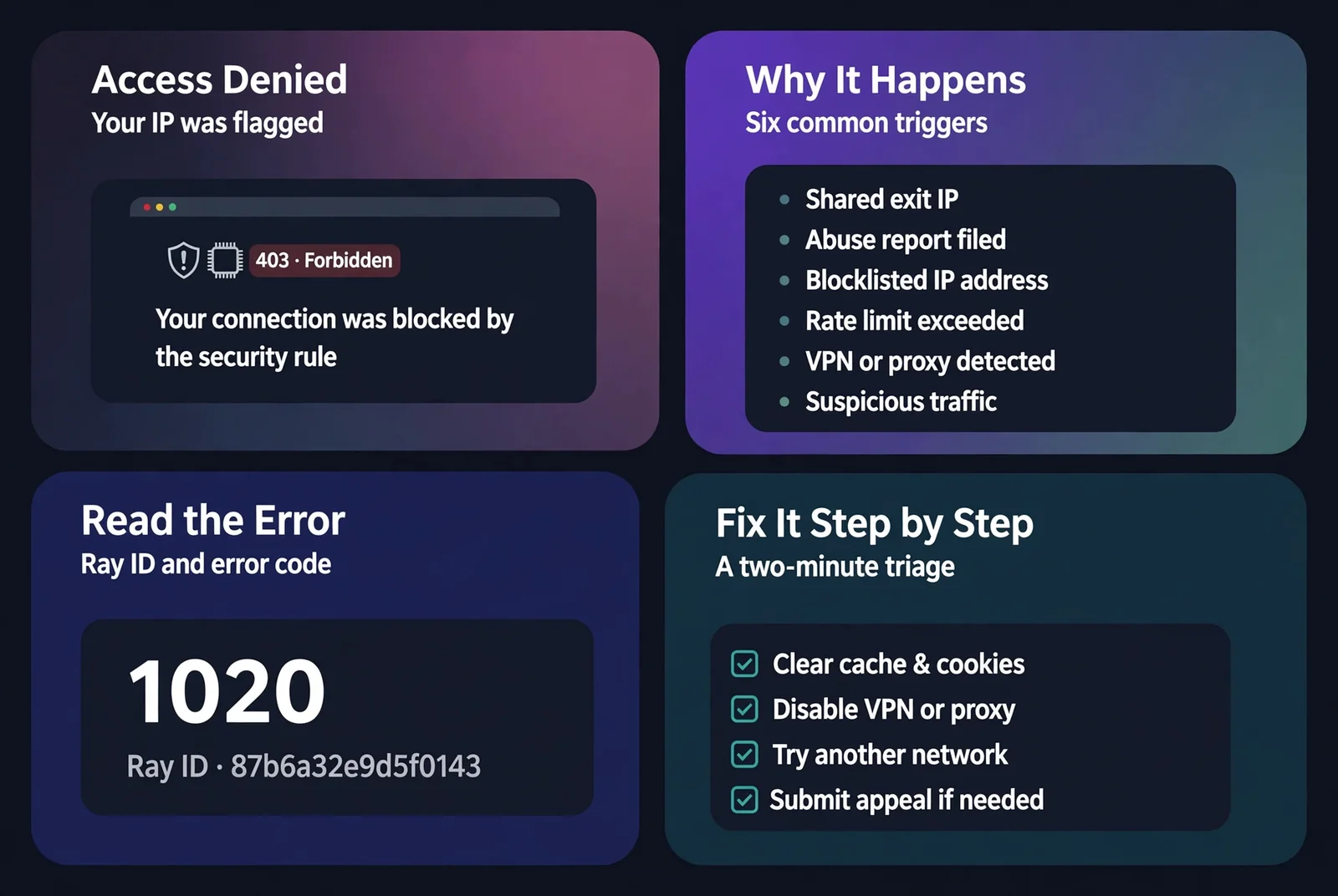
- Your IP's reputation burns. Proxy exits accumulate abuse reports, blocklist entries, and risk flags fast. Platforms start treating your household like a bot.
- Logins get flagged. GreyNoise's investigation began when multiple unrelated users were seen authenticating from the same residential proxy IP — the kind of pattern that triggers account security reviews and lockouts.
- Investigations point at your door. If the rented traffic was criminal, the first address investigators see is yours.
This is the uncomfortable flip side of the residential proxy market: the "clean home IP" that buyers pay a premium for is valuable precisely because it belongs to a real household — and households never agreed to most of this.
How to protect your devices
- Patch your edge devices. NAS boxes, NVRs, and routers are the targets here. Update firmware — the exploited flaws above are all known, patched vulnerabilities.
- Change default passwords. Every exploited device class in this campaign ships with credentials attackers try first.
- Turn off remote administration and UPnP unless you genuinely need them. A device that isn't reachable from the internet can't be swept up in a scan.
- Audit what's running. If a device you own appears enrolled in a bandwidth-sharing service you never signed up for, remove it — and change the device's credentials and SSH keys.
- Check your IP. If your address has been used as a proxy exit, its risk profile shows it: proxy flags, blocklist hits, abuse history.
Check whether your IP has been rented out
A hijacked connection leaves fingerprints in your IP's reputation. Check your IP risk score free — it scans 12 signals (ISP, ASN, proxy/VPN/Tor detection, blacklists, abuse history) and shows platform readiness for ChatGPT, Claude, Amazon, eBay, and Binance. If your IP is flagged as a proxy or shows abuse you don't recognize, that's your cue to audit the devices on your network. The score is built from those signals — this is what an IP risk score actually measures.
FAQ
What is proxyjacking? Proxyjacking is hijacking someone's internet connection and selling it as a proxy without their knowledge. Instead of stealing computing power (cryptojacking), attackers steal bandwidth — the victim's IP address becomes an exit node for other people's traffic.
Is Pawns.app malware? No. Pawns.app is a legitimate bandwidth-sharing service that pays users who voluntarily share their connection. The crime is installing it on other people's devices without consent and collecting the payout. GreyNoise notes the app's business site still promotes an SDK for bandwidth monetization.
How many devices were hijacked in this campaign? GreyNoise confirmed at least 143 devices in 34 countries. That's the verified count, not an estimate of the total — the real number is likely higher.
Can a proxyjacked IP get me in trouble? It can get you flagged. Traffic routed through your IP looks like yours, so abuse reports, platform bans, and even the first knock of an investigation can land on the connection's owner rather than the person who rented it.
How do I know if my router was hijacked? Check for unknown software or changed settings on your network devices, watch for unfamiliar SSH keys, and run your IP through a reputation checker — a proxy flag or unexplained abuse history on a connection you use normally is a red flag.